
Groups and permissions
Members, invitations and administrators
Group conversations
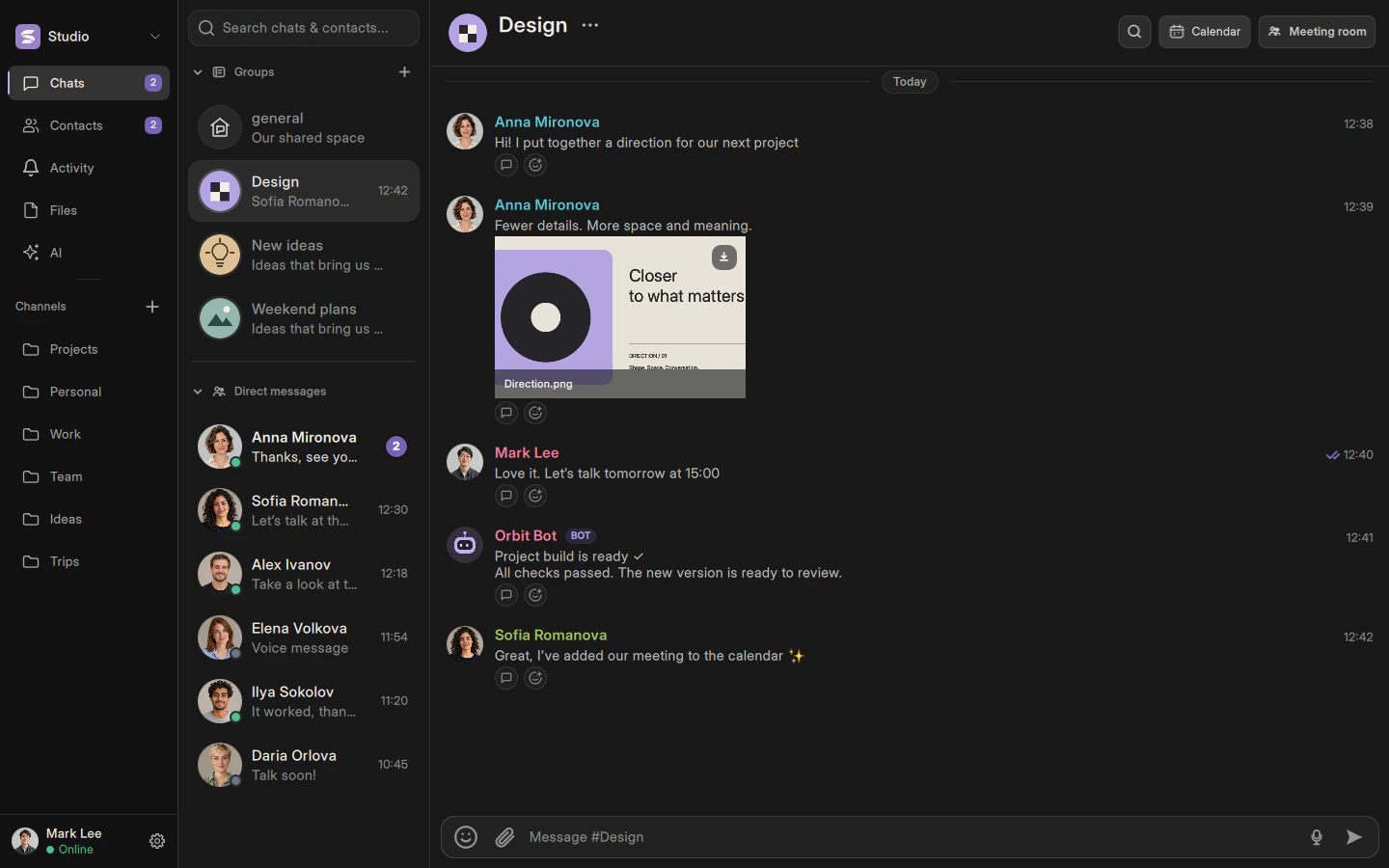
A group is a shared room for messages and calls. Create one from the group list. The three-dot menu next to its name opens settings and member management. Change the group’s icon with the image editor.
Joining with a link
Share the short link from the group invitation. The recipient can review it and confirm joining. Someone added directly can choose to stay or leave. Private groups are not discoverable by outsiders through ordinary search.
Administrators receive selected permissions
The group owner can delegate editing the group, managing invitations, moderating messages and managing administrators. These are separate permissions rather than mandatory full access. You cannot grant more authority than you have.
A workspace role does not automatically unlock private groups. Private groups require their own membership.
Describes the current implementation. Mobile availability and limitations are documented separately.