
Messages and media
GIFs, voice notes, round videos and files
Attach and view
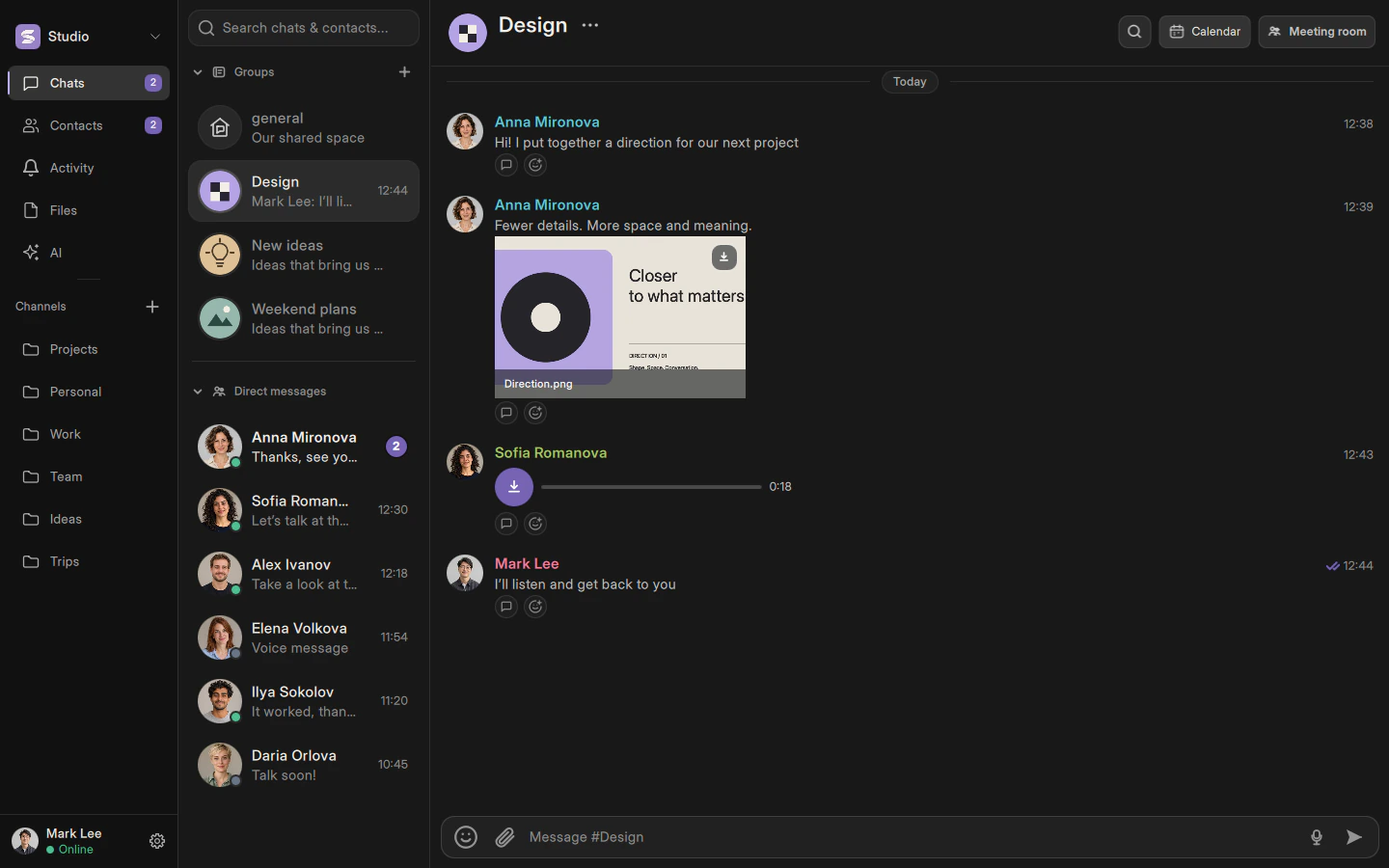
Attach files with the paperclip. Find GIFs next to emoji: click briefly to send or hold to preview. The aspect ratio is preserved. Click a sent image to open the viewer; click the dimmed background to close it.
Avatars and animation
Avatars support PNG, JPEG and GIF. Adjust the crop and scale in the editor. Background removal is an optional, separate action. Transparent avatars should not gain a colored background.
Playback and deletion
A voice note must download first: the download arrow changes to a play button. Continue an unfinished message in the mini player below the chat list. Playback does not carry over between workspaces.
Delete for me hides a message on this device and persists after restart. It does not synchronize deletion across your devices. Delete for everyone requires the appropriate permission. Voice notes cannot be edited; round videos cannot be edited or pinned.
Describes the current implementation. Mobile availability and limitations are documented separately.